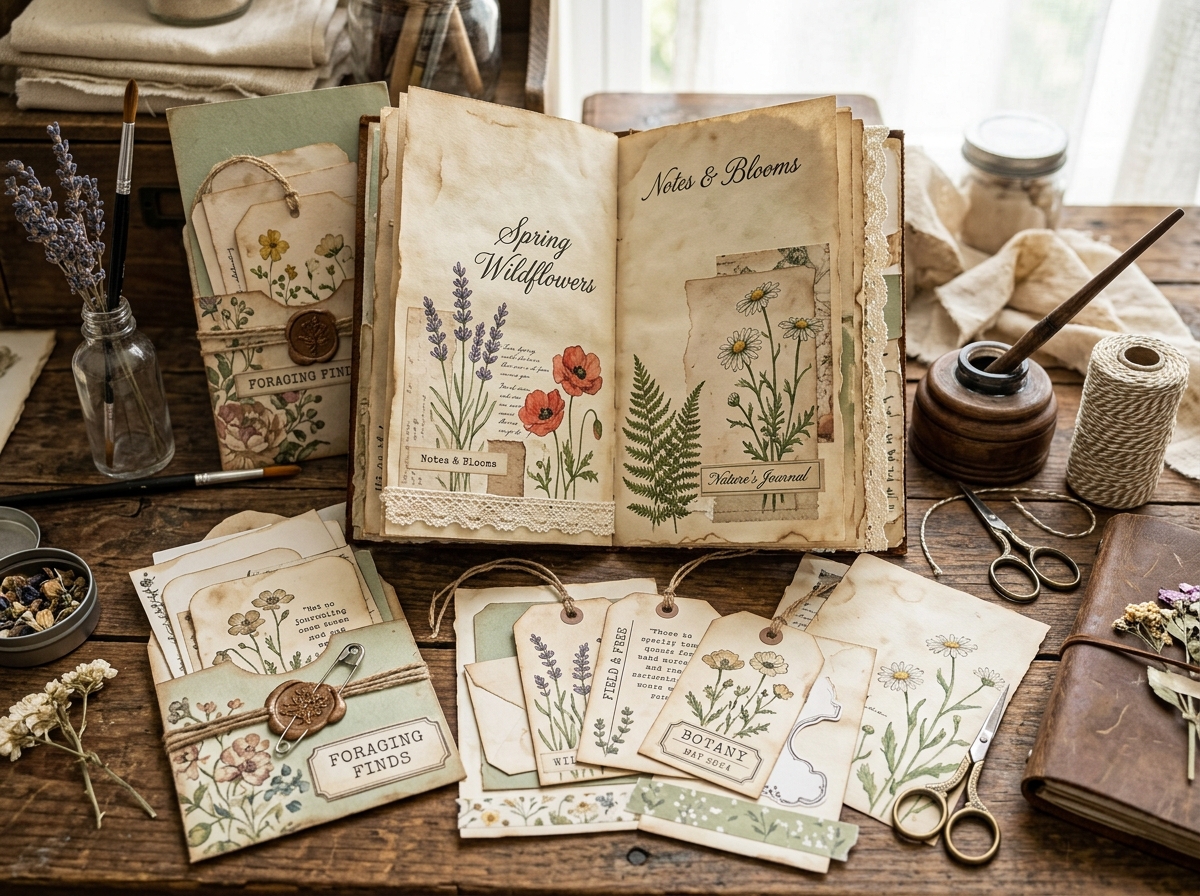
Bilinear vs. Bicubic for printing junk journal and ephemera: learn the technical differences between resampling interpolation methods, which algorithm to choose in Photoshop, GIMP, or printer drivers, and how to preserve microscopic antique script, botanical etchings, and tea-stained parchment textures at 300 DPI.
> **Quick Answer / Summary:** **Bicubic interpolation is substantially superior to Bilinear interpolation for printing junk journal kits, vintage ephemera, and paper crafts.** While Bilinear samples only 4 surrounding pixels (producing soft, blurry antique text and muddled paper grain), Bicubic samples 16 pixels using cubic splines, preserving razor-sharp 19th-century script, fine botanical engravings, and rich tea-stained textures at 300 DPI. Always choose **Bicubic Sharper** when downscaling elements for pockets, tags, and folios.
---
## 1. What Is Image Resampling in Digital Paper Crafting?
When preparing digital printables for junk journals—whether resizing a full-page Victorian ledger to fit a traveler’s notebook or shrinking an antique French postcard into a miniature pocket tag—your graphics software must **resample** the image.
Resampling means changing the total pixel dimensions of an image:
* **Downsampling (Reduction):** Discarding pixels to make an element smaller.
* **Upsampling (Enlargement):** Generating brand-new pixels to make an element larger.
Because computers cannot create new historical data out of thin air, they rely on mathematical formulas called **interpolation algorithms** to estimate what those new or merged pixels should look like.
The two most widely used algorithms in software like Adobe Photoshop, GIMP, Affinity Photo, and printer drivers are **Bilinear** and **Bicubic**. Understanding the technical difference between them is the dividing line between crisp, heirloom-grade 300 DPI prints and blurry, disappointing paper crafts.
---
## 2. What Is Bilinear Interpolation?
**Bilinear interpolation** is a 2D mathematical extension of linear interpolation.
When an image is resized, the Bilinear algorithm identifies the target pixel location and calculates a weighted average of the **4 nearest surrounding pixels** (a 2x2 pixel grid: 2 horizontal and 2 vertical).
### Advantages of Bilinear:
* Extremely fast computational speed.
* Minimal CPU and RAM usage, making it common in real-time video games and older printer drivers.
### Disadvantages for Paper Crafters:
* **Linear Blurring:** By averaging only 4 pixels along straight lines, high-contrast borders (like black 19th-century typography against cream parchment) become smudged.
* **Loss of Fine Script:** Delicate Spencerian or Copperplate calligraphy thins out and loses its hairlines.
* **Flattened Paper Textures:** The subtle tooth of watercolor paper, coffee staining rings, and vintage ledger lines lose their organic crispness.
---
## 3. What Is Bicubic Interpolation?
**Bicubic interpolation** is a far more sophisticated mathematical model that evaluates the **16 nearest surrounding pixels** (a 4x4 pixel grid).
Rather than averaging along straight lines, Bicubic uses cubic polynomial splines to create smooth, curved transitions between color values. It analyzes both the rate of change and the surface gradient across 16 surrounding points.
### Advantages of Bicubic:
* **Preserved Edge Contrast:** Sharp transitions between dark ink and light paper remain crisp without jagged "staircase" pixelation.
* **Rich Gradients:** Subtle color variations—such as sepia tones, water halos, and vintage floral petal shading—remain silky smooth.
* **Needle-Sharp Text:** Antique cursive and small typewriter fonts remain 100% legible even at miniature scales.
### Disadvantages:
* Requires significantly more mathematical processing (not an issue for modern computers exporting 300 DPI files).
---
## 4. Head-to-Head Comparison: Bilinear vs. Bicubic for Paper Crafts
Below is an objective technical comparison tailored specifically to paper crafters and digital ephemera designers:
| Comparison Metric | Bilinear Interpolation | Bicubic Interpolation | Winner for Crafting |
| :--- | :--- | :--- | :--- |
| **Pixel Sample Size** | 4 pixels (2x2 grid) | 16 pixels (4x4 grid) | **Bicubic** (4x more data) |
| **Mathematical Curve** | First-order linear | Third-order cubic spline | **Bicubic** |
| **Edge Sharpness** | Soft / Blurry | Crisp / Defined | **Bicubic** |
| **Antique Calligraphy & Script** | Hairlines break or blur | Hairlines preserved faithfully | **Bicubic** |
| **Paper Grain & Tea Dye Stains** | Smudged, loses tactile tooth | Retains depth and crisp fibers | **Bicubic** |
| **Halftone Moiré Suppression** | Prone to dull smearing | Smooth anti-aliased blend | **Bicubic** |
| **Export Processing Speed** | Extremely fast (~0.2s) | Fast (~0.6s) | Tie (Difference is negligible) |
---
## 5. The Bicubic Variations: Smoother vs. Sharper vs. Automatic
In programs like Adobe Photoshop, you will notice multiple Bicubic options. Here is how to select the right variation for junk journal projects:
### 1. Bicubic Sharper (Best for Reduction)
* **When to use:** Whenever you **shrink** an element (e.g., scaling an 8.5x11" background down to a 3x5" index card or miniature fussy cut).
* **How it works:** Applies an enhanced sharpening matrix during calculation to ensure tiny botanical details and fine typography do not disappear into adjacent pixels.
### 2. Bicubic Smoother (Best for Enlargement)
* **When to use:** When you need to scale an image up (e.g., enlarging a vintage 2-inch postage stamp into a full-page focal plate).
* **How it works:** Prevents jagged pixel edges (aliasing) by generating ultra-smooth tonal transitions.
### 3. Bicubic (Standard)
* **When to use:** General-purpose resampling or applying rotational tilts to ephemera collage layers.
---
## 6. Practical Crafting Examples: Why Algorithm Selection Matters
### Scenario A: Resizing Antique French Cursive Receipts
Antique French invoices (*factures*) feature hairline flourishes created with flexible steel dip pens.
* If downscaled with **Bilinear**, those delicate 1-pixel pen strokes average into the beige background and become illegible grey ghosts.
* With **Bicubic Sharper**, the algorithm preserves the contrast ratio, keeping every cursive word readable.
### Scenario B: Botanical Engravings & Cross-Hatching
Victorian engravings rely on hundreds of tightly spaced parallel lines (cross-hatching) to create shadow depth.
* **Bilinear** smears parallel lines together, turning deep botanical shadows into muddy, solid grey blotches.
* **Bicubic** maintains the individual space between each engraved line, ensuring your printed rose or fern retains authentic 19th-century copperplate definition.
---
## 7. How to Configure Resampling in Popular Graphic Software
### In Adobe Photoshop:
1. Open your printable file.
2. Navigate to **Image > Image Size** (Ctrl+Alt+I on Windows, Cmd+Opt+I on Mac).
3. Ensure **Resample** is checked.
4. From the dropdown menu, select **Bicubic Sharper (reduction)** if scaling down, or **Bicubic Smoother (enlargement)** if scaling up.
5. Ensure your resolution is locked at **300 Pixels/Inch**.
### In GIMP (Free & Open Source):
1. Open your image.
2. Go to **Image > Scale Image**.
3. Under **Quality**, locate the **Interpolation** dropdown.
4. Choose **Cubic** (or **NoHalo / LoHalo** for high-end downsampling). Do not choose *Linear* (which is Bilinear).
5. Set X and Y resolution to **300 pixels/in**.
### In Affinity Photo / Designer:
1. Go to **Document > Resize Document**.
2. Under **Resample**, choose **Bicubic** or **Lanczos 3 (Non-separable)** for extreme photographic clarity. Avoid *Bilinear*.
---
## 8. Optimal Print Settings for 300 DPI Junk Journal Ephemera
Choosing Bicubic interpolation is only the first half of the equation; your printer hardware and physical paper selection complete the process:
1. **Native 300 DPI Master Files:** Always start with true 300 DPI master files. Downloading low-resolution web thumbnails (72–96 DPI) will look pixelated regardless of the resampling algorithm used.
2. **Printer Quality Setting:** In your printer preferences, select **High Quality** or **Photo Quality**. This forces the print head to apply smaller droplet sizes (typically 1.5 to 2 picoliters), faithfully transferring the sub-pixel precision calculated by Bicubic interpolation.
3. **Turn Off "Fit to Page" Shrinkage:** Always print at **"Actual Size" (100% Scale)** in your PDF viewer to avoid unwanted secondary browser interpolation.
4. **Paper Weight Synergy:**
* For signature pages and backgrounds: use **28lb to 32lb Premium Matte Presentation Paper** (100–120 GSM).
* For ephemera tags, pockets, and journaling cards: use **65lb to 80lb Smooth Matte Cardstock** (176–216 GSM).
For a complete breakdown of tested papers, adhesives, and distressing supplies, visit our curated [Recommended Crafting Supplies Guide](/supplies).
---
## 9. Conclusion & Final Recommendation
When it comes to printing junk journals, scrapbook pages, and paper ephemera:
* **Always avoid Bilinear** whenever you have the choice in image editors or print drivers. Its 4-pixel linear averaging is too rudimentary for intricate historical documents, causing blurry text and muted paper textures.
* **Always select Bicubic** (or **Bicubic Sharper** when downscaling elements for pockets and tags). The 16-pixel cubic spline model ensures that every handwritten flourish, library card stamp, and botanical vein transfers onto paper with heirloom-grade clarity.
Pair this technical knowledge with historical context to take your handmade books to the next level:
* Read our guide on [How to Scan and Reduce the Size of Colored Pages from Old Books](/blog/how-to-scan-and-reduce-size-colored-pages-old-books) to capture archival master files properly.
* Master digital patina in [How to Give Scanned Old Newspapers and Cards an Authentic Vintage Look](/blog/how-to-give-scanned-newspapers-cards-vintage-look).
* Read our deep-dive guide on [What Is Ephemera? The Complete Guide to Paper Ephemera in Junk Journaling & Crafting](/blog/what-is-ephemera) to master collecting, aging, and layering authentic paper artifacts.
* Master designing authentic 19th-century tags in [Vintage French Ephemera Tags: Photoshop & Affinity Design Guide](/blog/vintage-french-ephemera-tags-photoshop-affinity-tutorial).
* Build custom vintage printables right now in our browser-based [Ephemera & Tag Builder](/ephemera-builder).
* Generate lined vintage pages with calibrated grid spacing using the [Journaling Lines & Grids Generator](/lines-grid-generator).